Inventory#
The Inventory section of the portal shows you all of your assets in one place, separated by tabs.
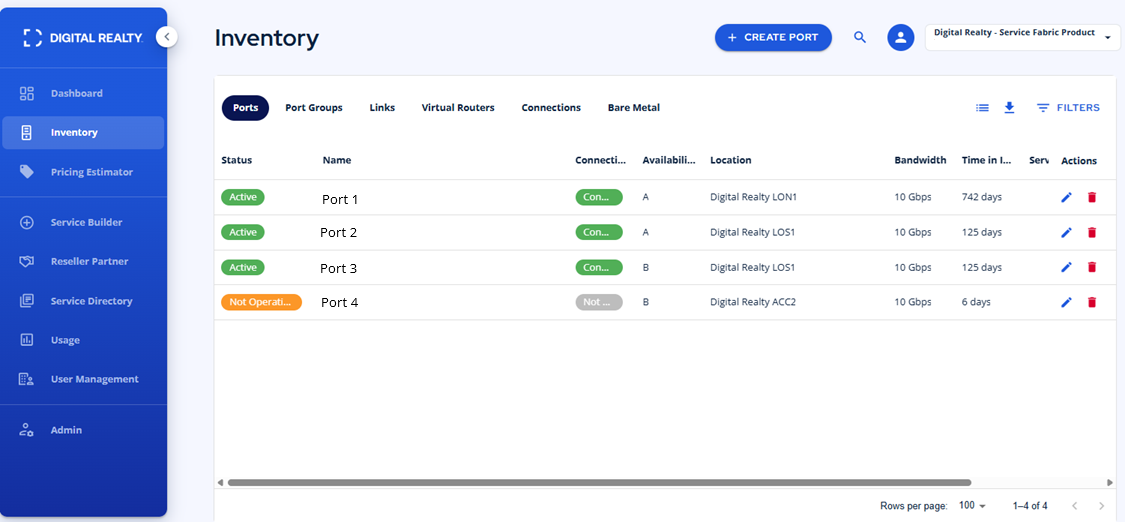
When a tab is selected you'll see a CREATE button at the top. The type of asset created will change based on the tab you select.
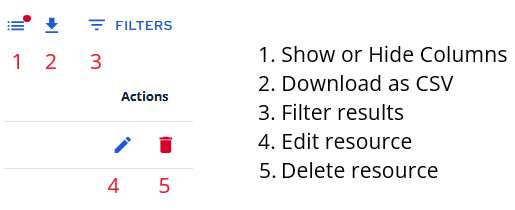
Filters#
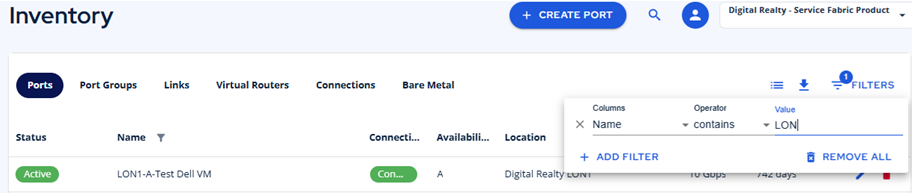
Select from any column and specify a value to narrow your results.