ServiceFabric® Portal – Getting Started#
The ServiceFabric® portal provides you with a straightforward way to configure and manage connectivity between your network and a wide range of seamless, on-demand services.
Onboarding#
Reach out to your Global Administrator about an interest in ServiceFabric® services. They are responsible for arranging access to the ServiceFabric portal.
Single Sign On#
SSO provides you with access to many Digital Realty systems with only having to identify yourself once.
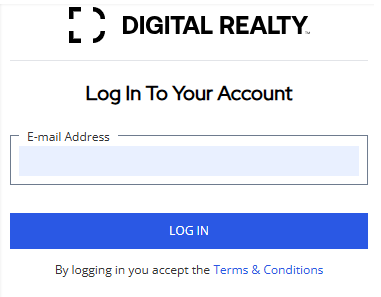
- In your browser, type https://servicefabric.digitalrealty.com/
- Enter your email address and click the Log In button.
First Time Login#
- If this is your first time, enter your email address and click the Log In button.
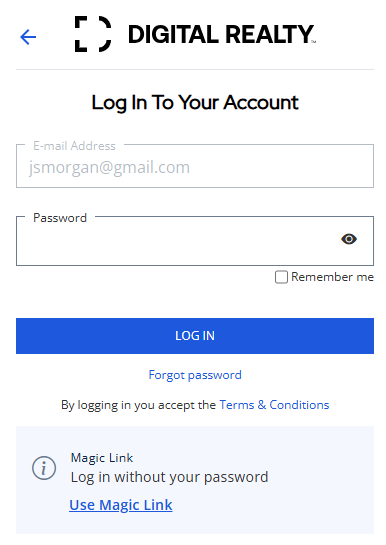
- Enter your email address and password, then select LOG IN.
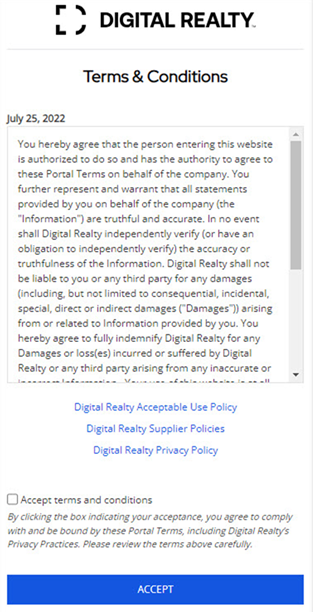
- Once you have logged in using your password or magic link (see below) you will click the checkbox and the ACCEPT on the terms and conditions screen.
Magic Link#
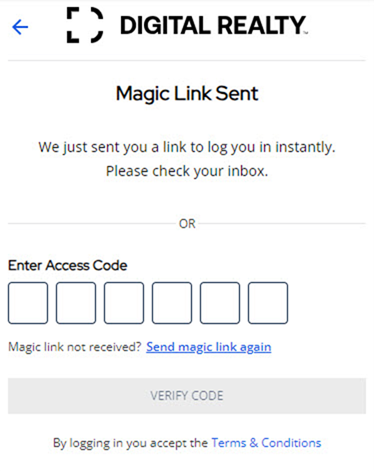
Another option for accessing the ServiceFabric portal is to use a Magic Link. Your email address must match the email address you have in the Marketplace Portal or EMEA Customer Portal. An email with your code will be sent to this email address.
Select the link in the email or enter the access code in the portal. Once you enter the code press VERIFY CODE to continue.
Note: If your information does not match what is in Marketplace Portal or Interxion Portal, you will need to contact your sales representative or customer support for further assistance.